
How to get white label SMS solutions from MSG91
This post is aimed at helping you how to point our IP to your domain. So that you can provide flawless messaging services under your brand name. The basic requirement is that you should have a domain. If you have one, please follow these steps:
Open cPanel
Log into your cPanel
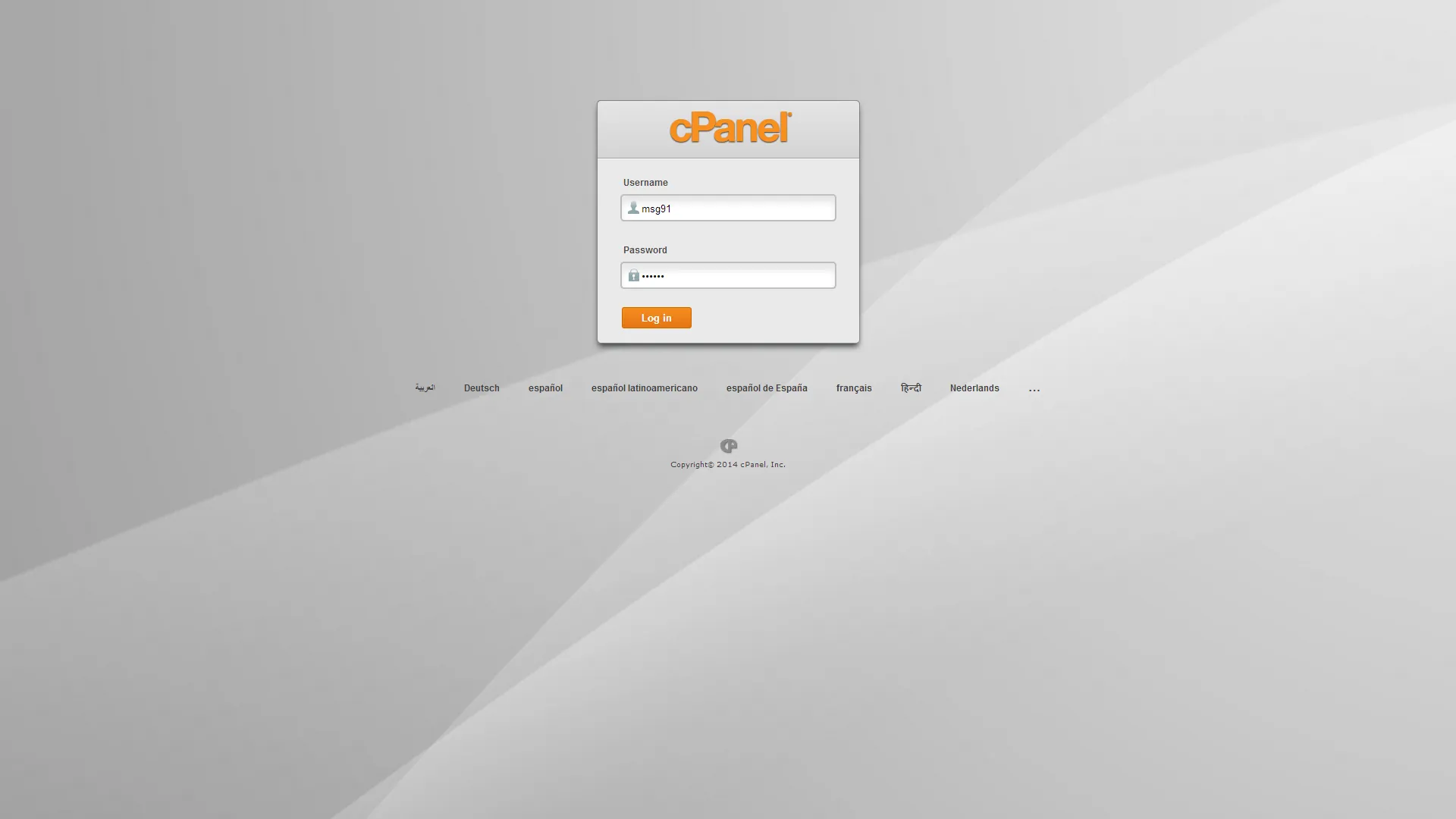
cPanel Login
Create a sub domain
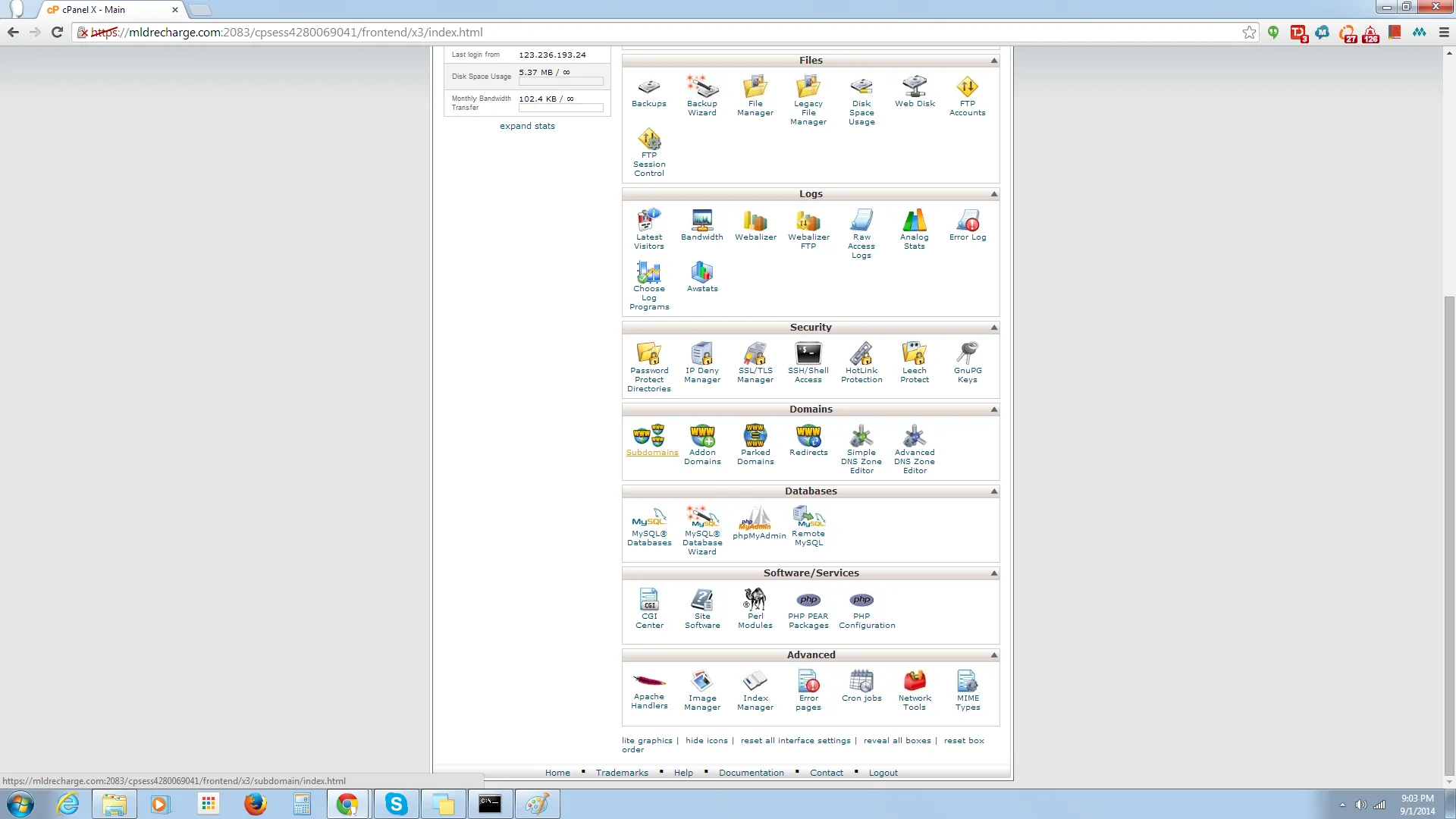
Select sub domain option
Give desired name to the sub-domain (subject to availability.)

Name sub domain
Open advanced DNS settings

Advanced DNS setting
Select A record
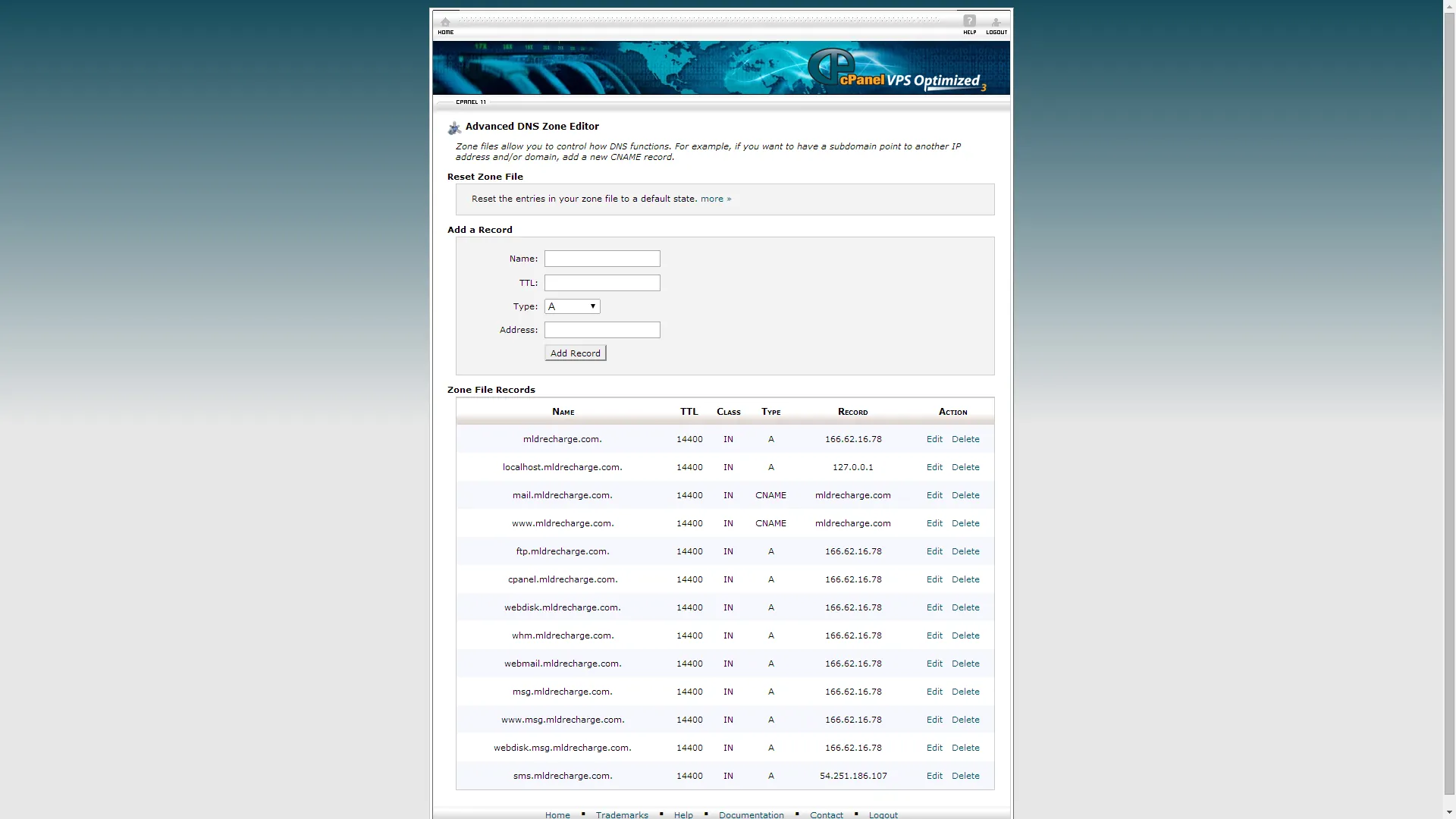
A label
Point our IP to your domain. Our IPs are : 254.154.166.0 & 54.25.154.148. You can point any one from these IPs.
Put TTC 144 and Save.
Open Msg91 panel
If you are not a reseller, then click on ‘make me reseller’ option and wait for approval.

Go to manage website option

Manage website
Enter company name and domain name.
*Domain name is the sub domain you have created just now.
**Domain name should be the one you want our IP to point to.

Point domain
Click on ‘Add new website’ .
Done.
It generally takes upto 6 hours for DNS to resolve. Please wait for six hours and after that our IP will point to your sub domain and you will be able to provide our services from your domain, under your brand name.