
KB FAQ
How to Check the Read Count:
To see the read count, refer to the image labeled "Read Count." This will display the number of times a document or page has been accessed.
Read Count
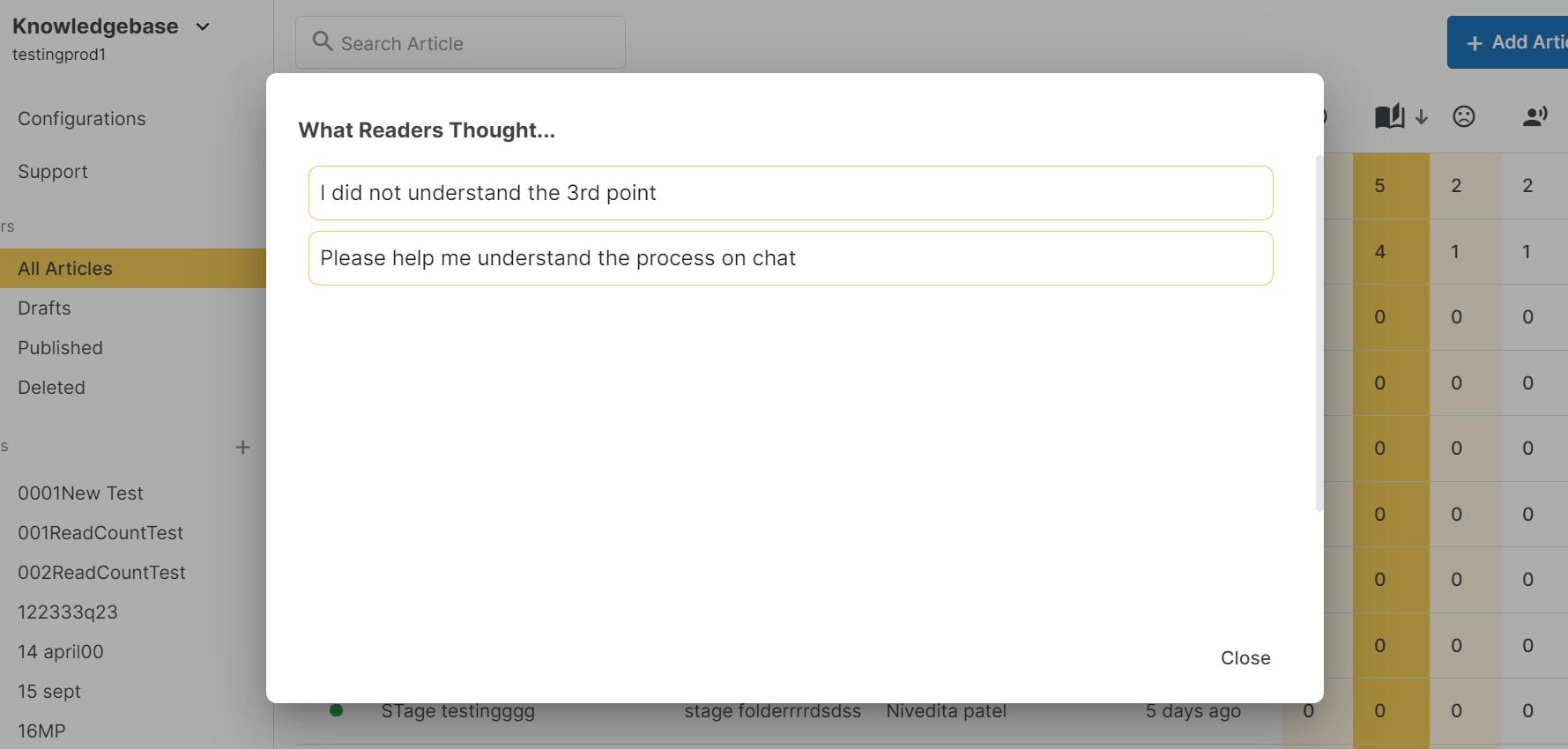
How to Access User Feedback Messages:
Locate user feedback messages by referring to the screenshot labeled "User Feedback." This section allows you to view feedback from users.
User Feedback
Changing the Theme in KB:
To alter the theme, navigate to the Configuration menu and choose the "Theme" option. From there, you can select your preferred theme to customize the appearance.
Enabling the Chat Widget in KB:
To enable the Chat Widget, navigate to the Configuration menu and choose the "Advanced" option. From there, you can choose to whether to enable or disable the Widget. Click "Save" to save the changes
Feel free to explore these visual guides for a more intuitive understanding of each process.