
Global Search in MSG91
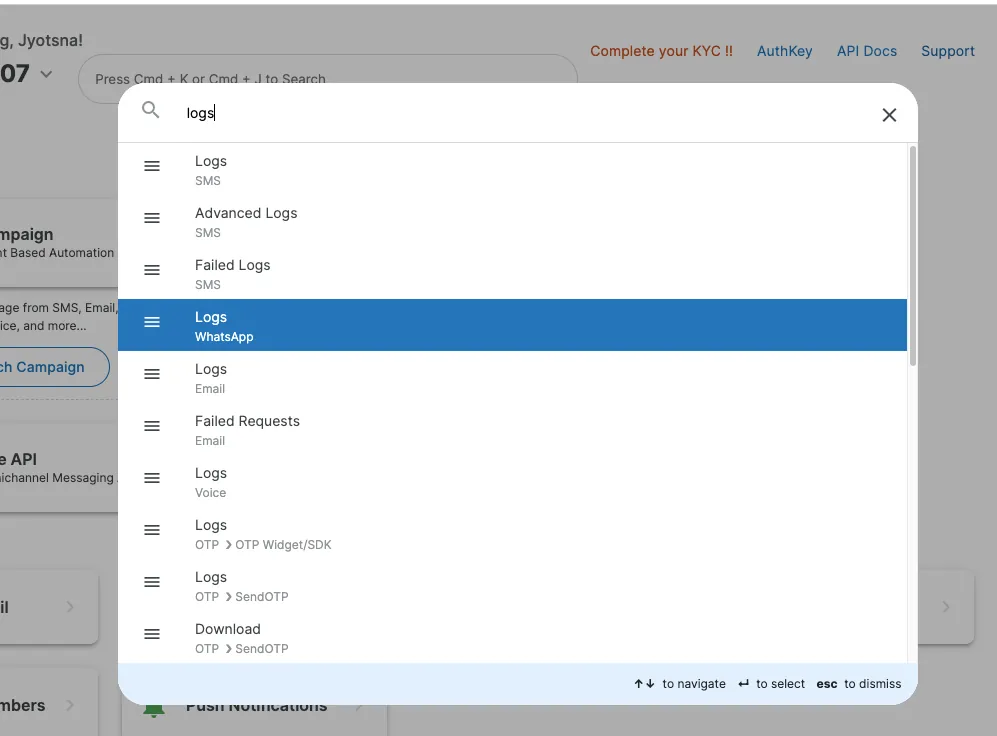
The MSG91 dashboard provides a Global Search feature that helps users quickly find any service, module, or setting available on the platform. Using this feature, you can search for keywords and get redirected to the exact relevant page without navigating through multiple menus.
Log in to MSG91. You can open the Global Search bar using the keyboard shortcuts Cmd + K or Cmd + J (on Mac).
Alternatively, you can find the search bar at the top of the dashboard.

With the global search, you can search for any service, feature, setting, or module in MSG91.
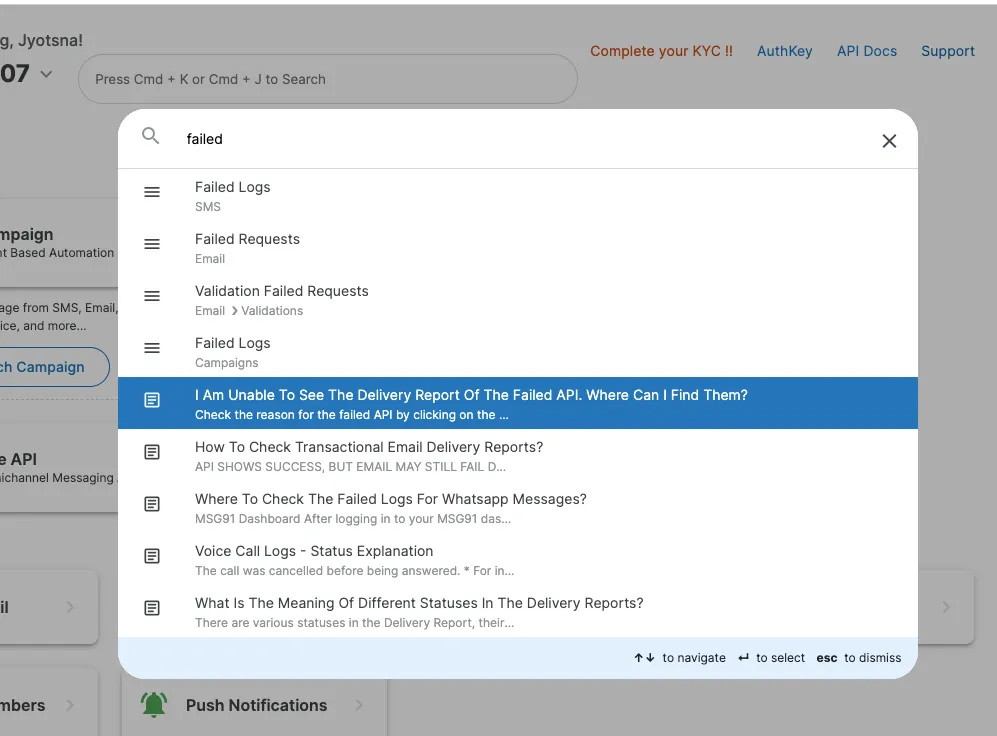
Through a global search, you can also have Quick access to relevant help documents and guides related to MSG91 services
Was this helpful?