
How can I set the default expiry of any number in the phonebook?
EXPIRY DATE OF NUMBER
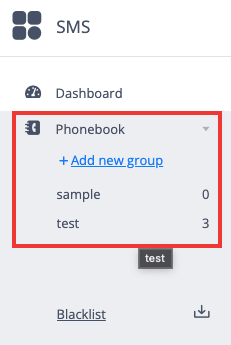
Select any group from the Phonebook section from which you wish to choose numbers.
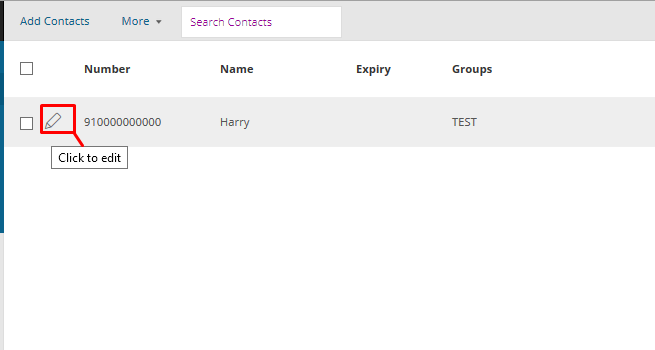
2. Click on the Edit option beside the contact you wish to set the expiry date for.
3. Set the expiry date of your choice in the field and save changes.
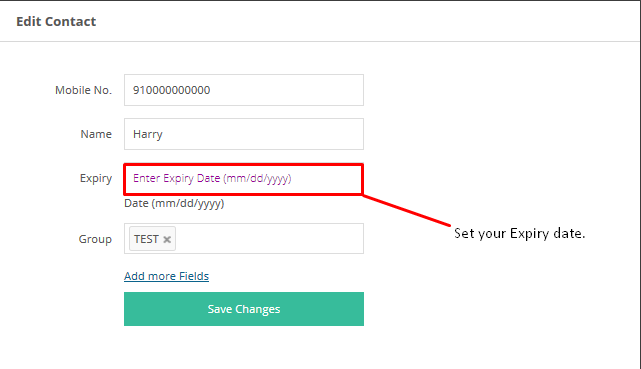
Note that you cannot set the current date as the expiry date.
Was this helpful?