
How MSG91 WhatsApp Chat Window Makes Customer Conversations More Cost-Effective - MSG91 Flow
To reduce service message charges, we have launched the WhatsApp MSG91 chat window.
Step 1 : Log in to your MSG91 account and click on Hello.

Step 2 : In Hello, go to All Inboxes and create a chat widget. Name the widget and click Save.

Step 3 : Enter your tagline, pick a theme color, set the launch options you want, then click the blue Update button to save. Check the preview on the right to confirm it looks right.

Step 4 : Click WhatsApp under Channels (configurations) in the home.

Step 5 : Go to MSG91 Flow and click on create flow.
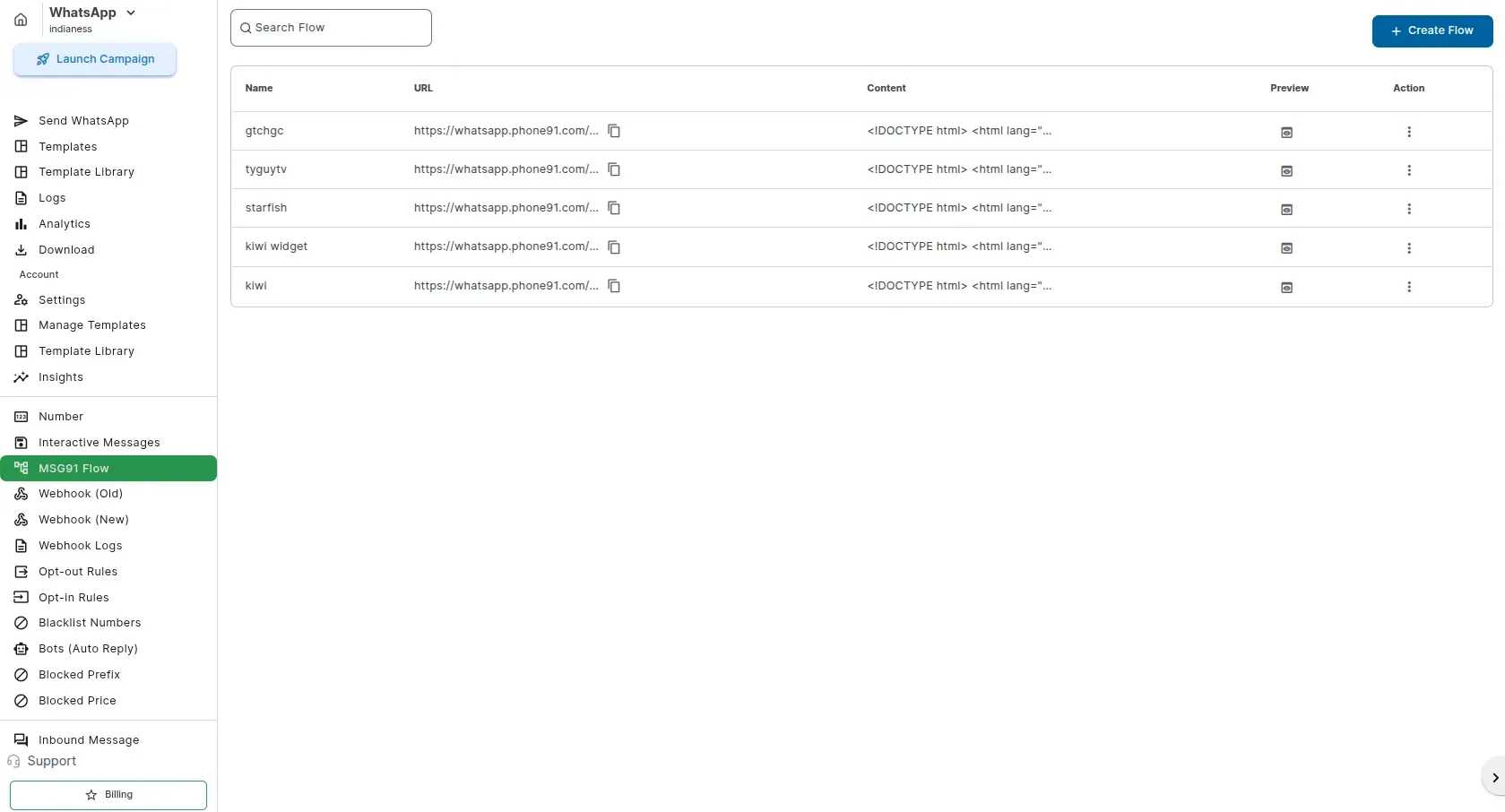
Step 6 : Click on Create Widget Flow. Enter the flow name, select the widget, and click Create Flow.

Step 7 : Copy the URL.

Step 8 : Click on Templates and create a new template.

Step 9 : Create the template, paste the MSG91 Flow URL, and save the template.

Step 10 : In Send WhatsApp, you can send the message manually, through Segmento, or through a CSV file. Paste the MSG91 Flow URL in the Variable Mapping field and send the message.

How is it beneficial ?
With MSG91 Chat Window, once a customer starts a conversation, you can reply freely without paying for every WhatsApp service message. This helps you save up to 80–90% on messaging costs while keeping customer conversations seamless.
How does it work ?
The client receives a WhatsApp message with a click-to-chat button.

They tap the Start a Chat button, which opens the conversation and starts the chat with you.

Once the client taps Start a Chat, the conversation appears in MSG91 Hello under Tickets/Chats. From there you can reply directly and chat back and forth with them in real time, just like a normal two-way conversation.
